
日本語 ・ English
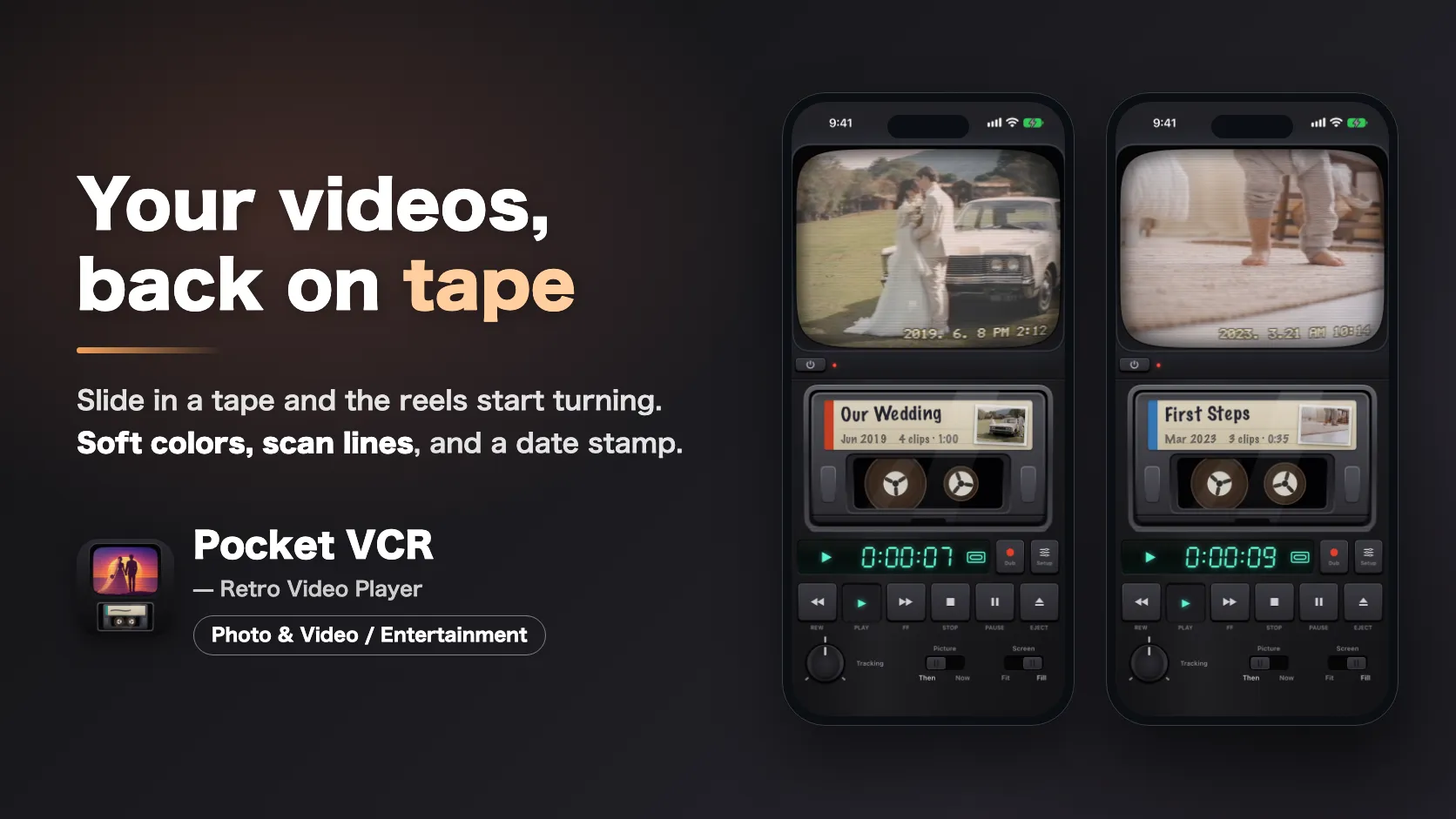
Pocket VCR is an app for watching the videos on your own iPhone on videotape. Open it and a TV and a tape deck appear.
What it is
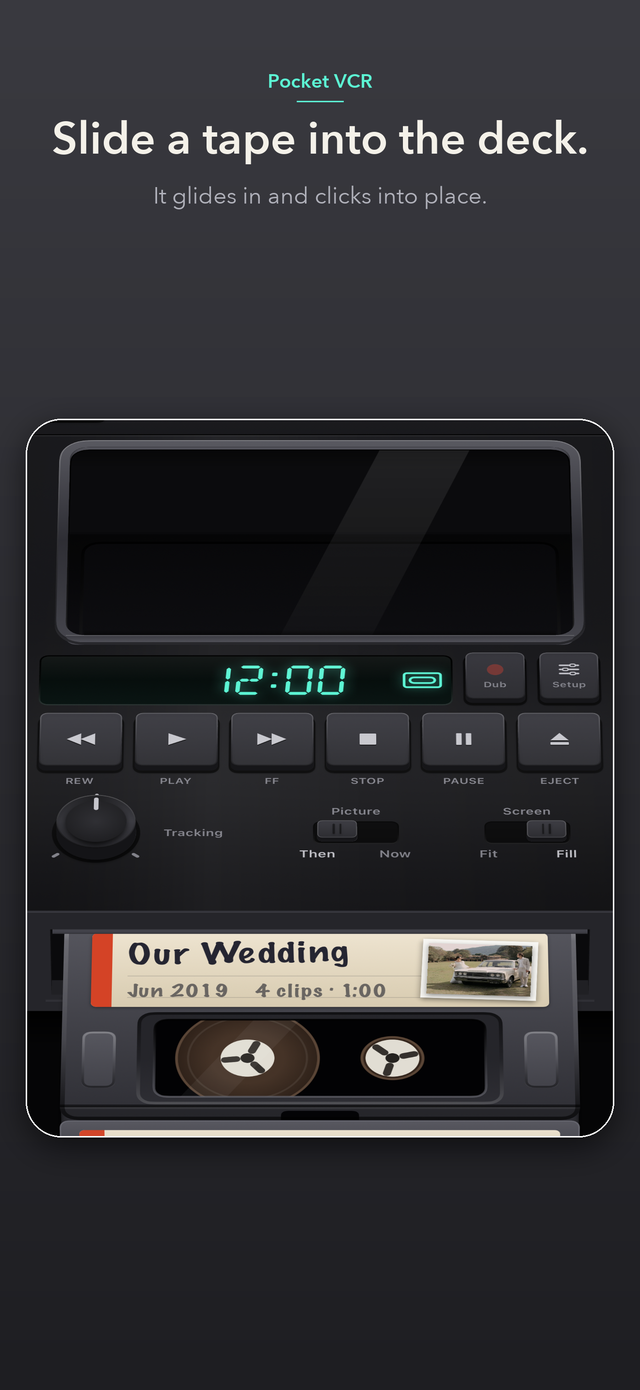
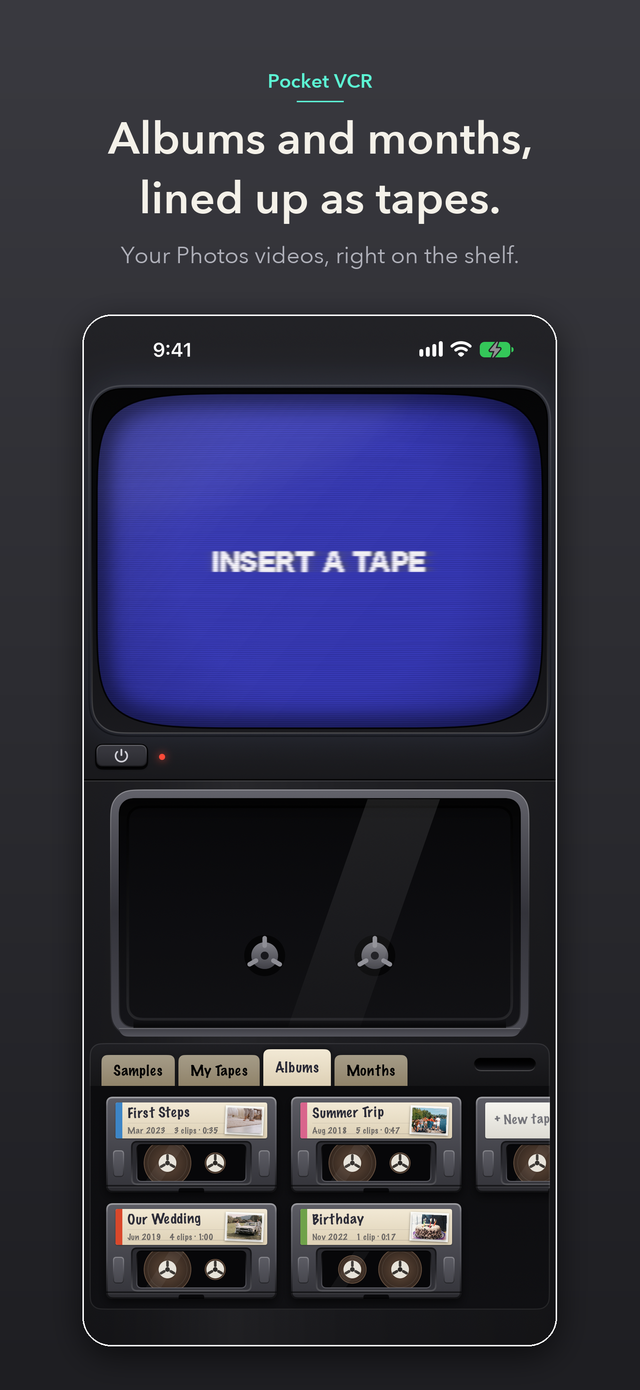
The videos in your Photos app line up on a shelf as tapes. Pick a tape and slide it into the deck, and the reels start turning as the picture comes up on the CRT.
Rewind, fast forward, eject. Every time you press a key, the machine answers with its sound and feel. All videos play on your device and are never sent anywhere.
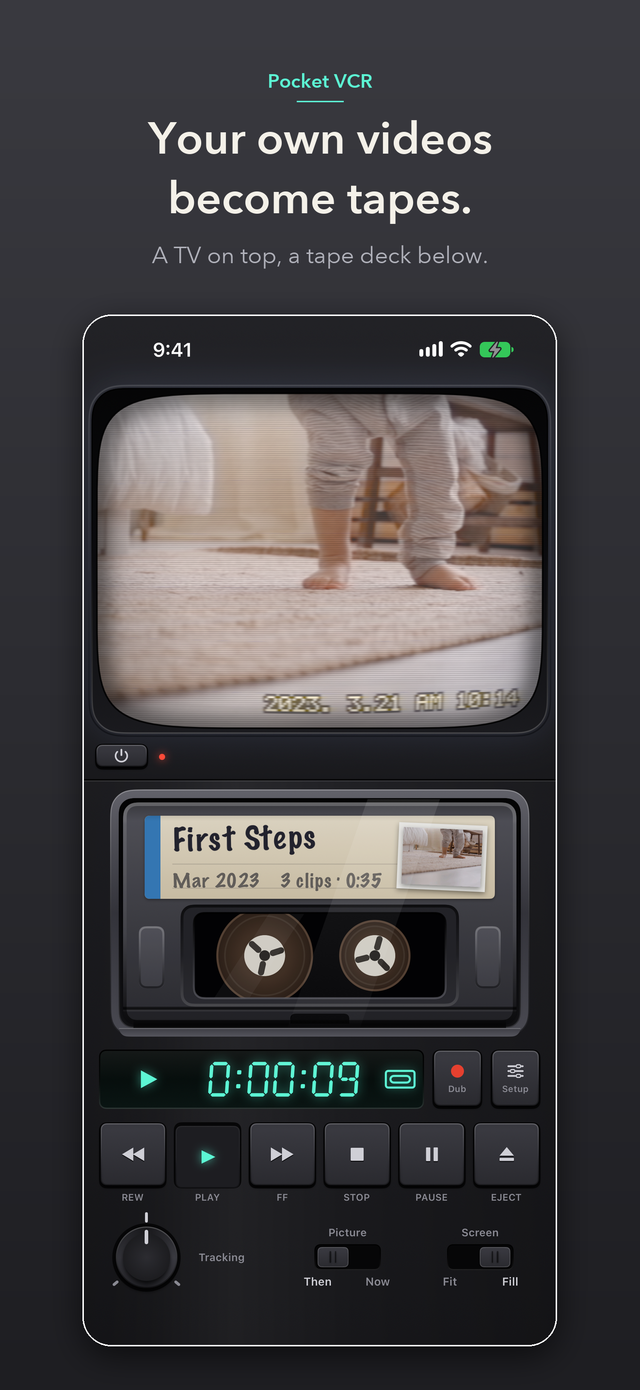
Fold it: TV on top, deck below
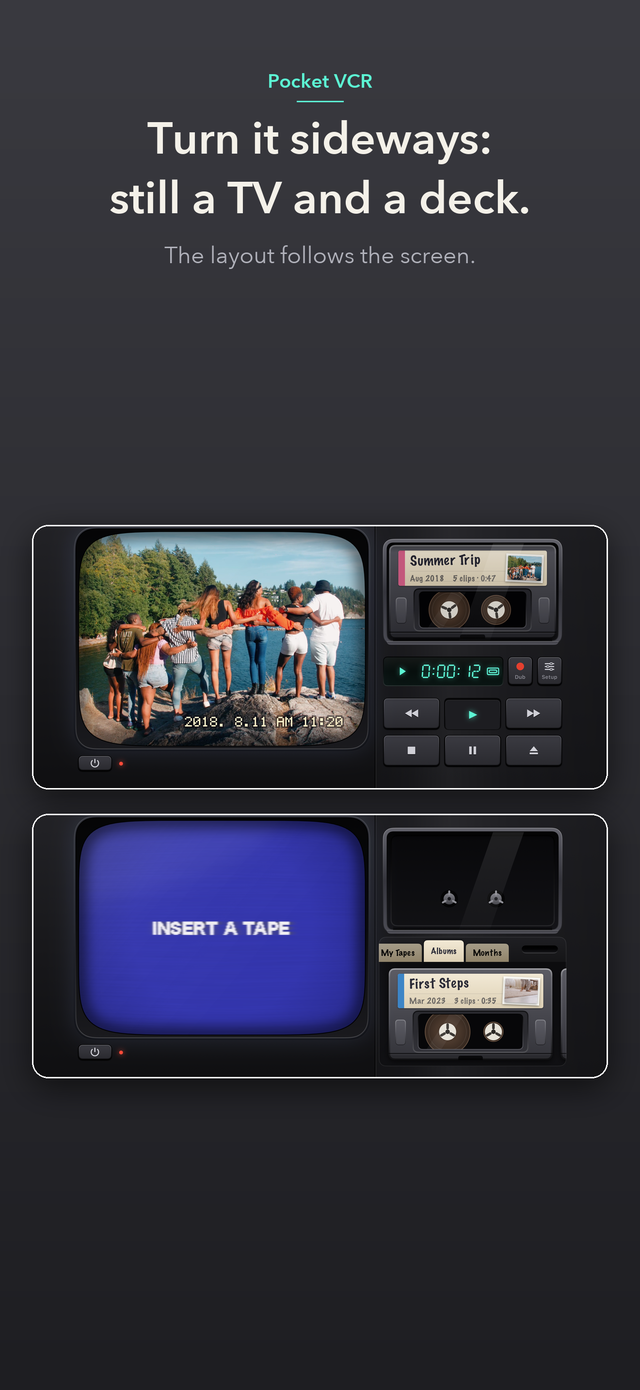
- Fold it and set it on a desk — Fold a foldable iPhone and set it on a desk, and the top half becomes a CRT television and the bottom half becomes the tape deck
- Open it — The tape shelf is on the left, and the TV and deck are on the right. Pick a tape while looking at the spine labels
- Close it — The outer screen becomes a small TV in your hand
- Playback keeps going when you change the shape — Fold it or open it while you are watching, and playback continues
On a regular iPhone or iPad, it works as the same machine, with the TV on top and the deck below.
Load a tape, rewind it
- Cassette bay — Tapes slide into a bay with a window. You can see the reels turn inside
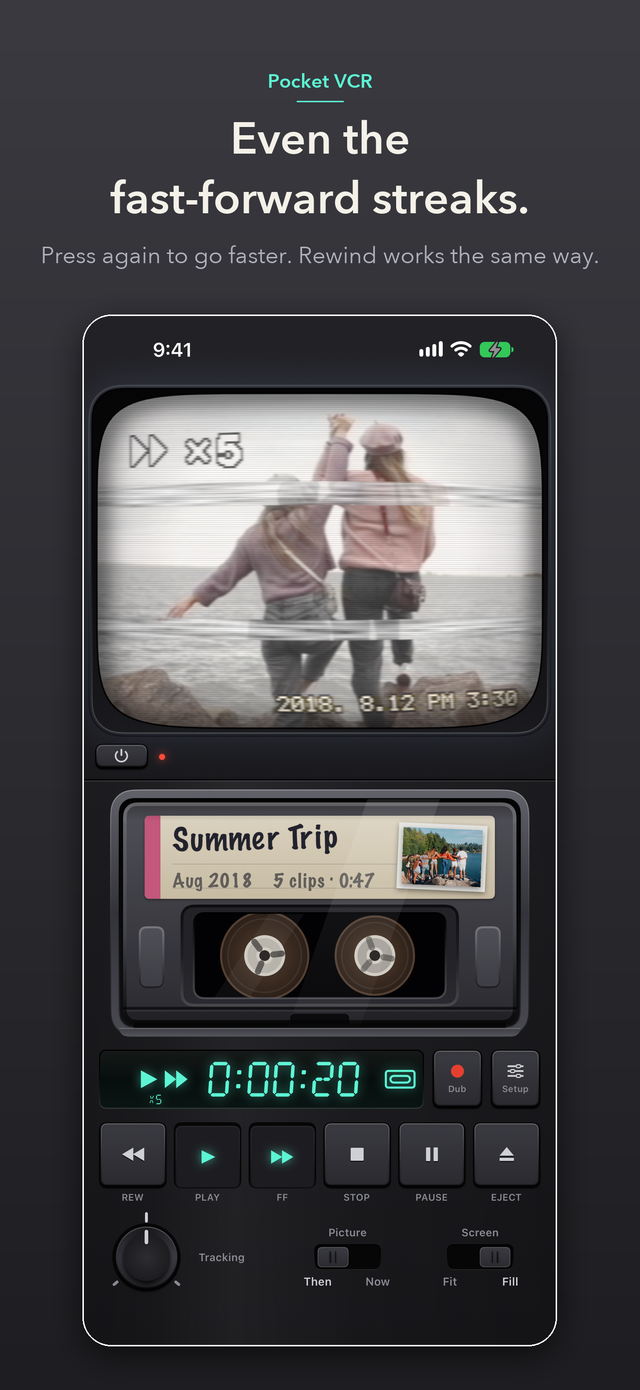
- Keys — Play, Stop, Pause, Fast Forward, Rewind, and Eject
- Search with the picture on screen — While playing, press Fast Forward or Rewind and the picture keeps moving as you go. Each time you press the same key again, it gets faster (2x, 5x, 15x, 60x)
- Wind all the way — Press it while stopped and the tape winds quickly (60x, 180x, 600x)
- Pick up where you left off — Each tape remembers where you stopped. Load it again and it starts from there
The “Then” picture and the “Now” picture
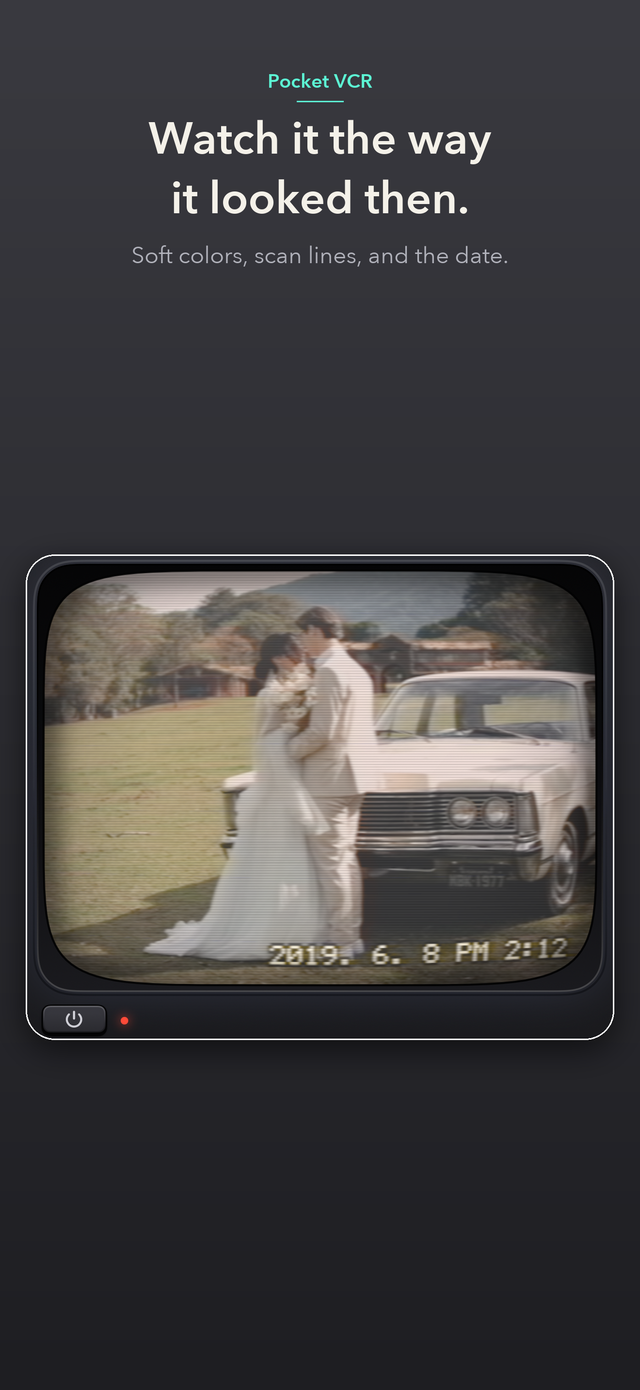
- Then — The look of videotape. Soft colors, scan lines, and the date and time at the bottom of the screen
- Now — Your video as it was shot
- Tracking — Turn the knob to settle a shaky picture
- Enlarge the picture — Tap the TV screen to remove the frame and show the picture bigger. Tap again to put it back
Your original videos are never changed. The “Then” picture is applied only while playing.
On the shelf: albums and months as tapes
Your Photos albums, and the months you shot in, show up as tapes. The spine shows the name; the face shows how many videos and how long. Three sample tapes are included from the start.
See what’s on a tape at a glance
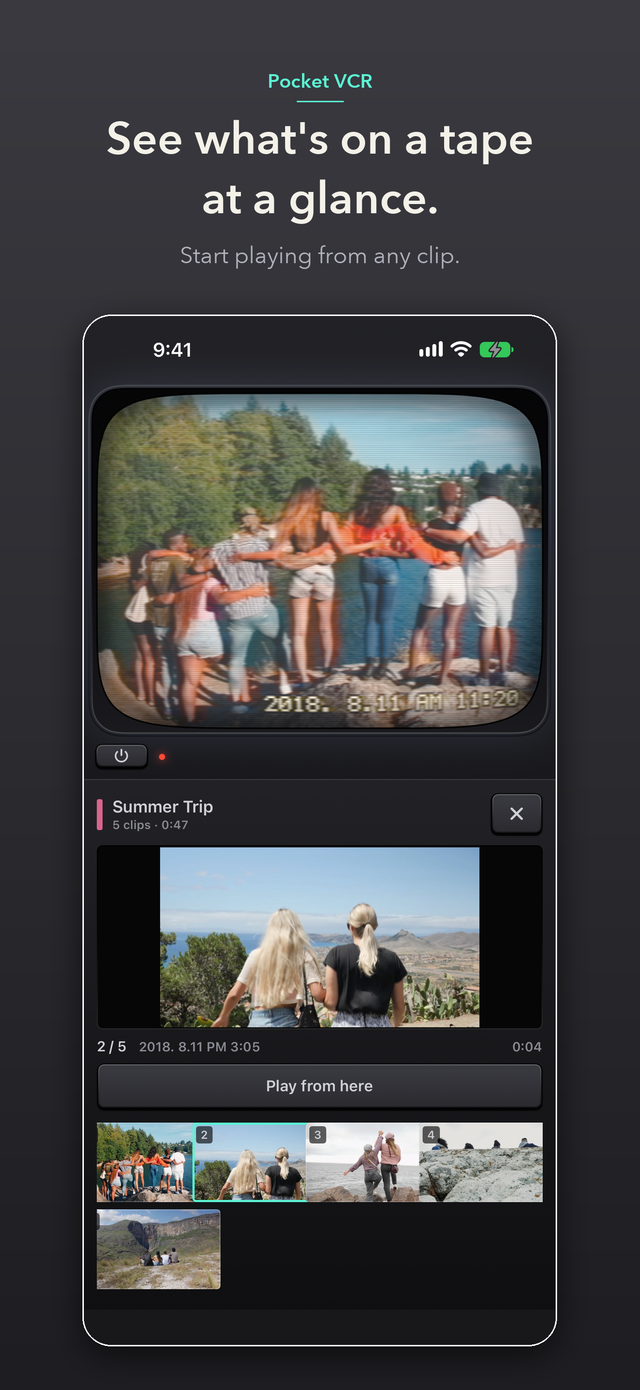
You can see the videos in a tape lined up one frame at a time. Choose the video you want and press “Play from here”, and playback starts from there.
What the one-time purchase adds
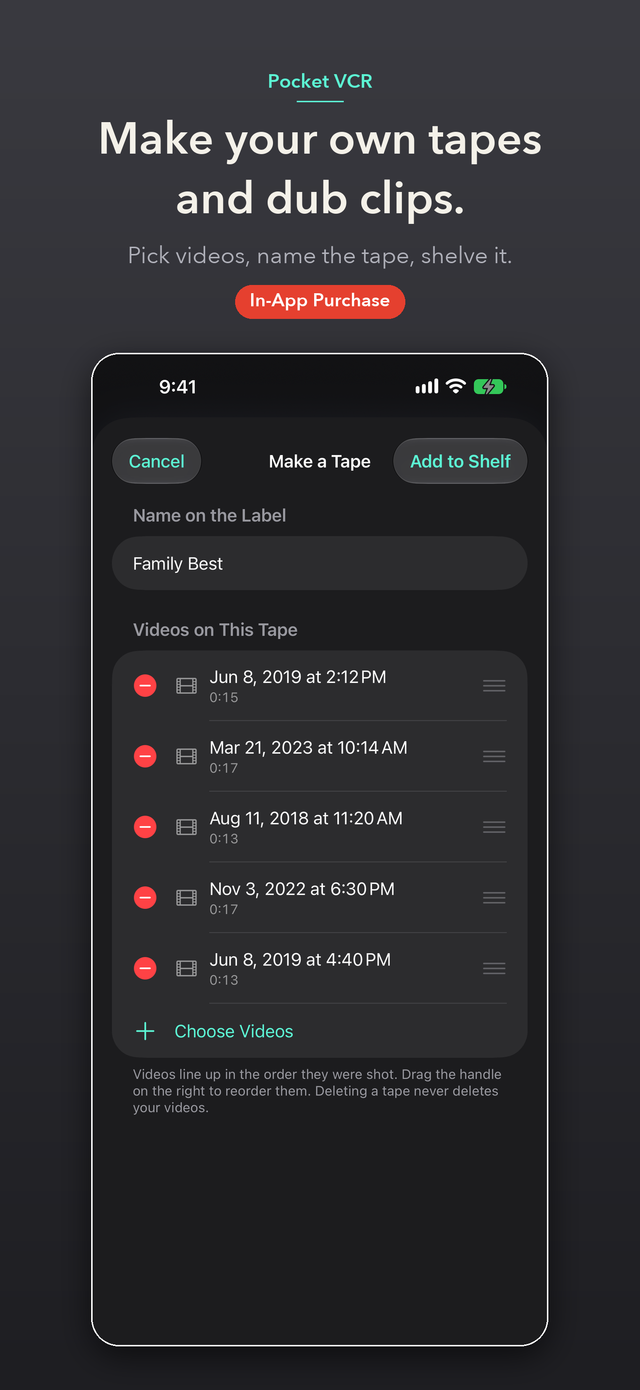
- Make your own tapes — Choose videos you like, name the tape, and put it on the shelf. You can rearrange and edit it later
- Dubbing — Turn up to 60 seconds from where you are watching into a video with the “Then” picture and the date, and save it to Photos or send it elsewhere
- Change label colors — Choose the color of a tape’s label from 9 colors
Pricing
- Before you buy: the 3 sample tapes, watching your album and month tapes, seeing what’s on a tape, switching between “Then” and “Now”, tracking, remembering where you stopped, the 3 shapes of a foldable iPhone, landscape, and iPad
- One-time purchase (in-app purchase, US$2.99, price varies by country or region): making your own tapes, dubbing, and changing label colors
- It is not a monthly or yearly automatic subscription
Your videos stay on your device
No account is needed. Videos play on your device and are never sent anywhere. There are no ads. The pictures and sounds are made inside the app, so the sample tapes play without an internet connection.
Requirements
iPhone and iPad (iOS 17 or later). Works in portrait and landscape. On a foldable iPhone, the layout follows the inner screen (folded on a desk, or open) and the outer screen.
Questions before you install
For details, see Support & FAQ.
Q. Can I use it without a foldable iPhone? A. Yes. On a regular iPhone or iPad, every feature works on the same machine, with the TV on top and the deck below.
Q. How much can I use before buying? A. You can watch all of the sample tapes and your Photos album and month tapes. Switching the picture, tracking, and remembering where you stopped work the same way. The one-time purchase adds three things: making your own tapes, dubbing, and changing label colors.
Q. Are my videos sent anywhere? A. No. Videos play on your device. Your videos, photos, and the names of tapes and albums are never sent anywhere.
Q. Are my original videos ever changed? A. No. The “Then” picture is applied only while playing. A dubbed video is saved as a new video.
Get the app
Requires iOS 17.0 or later (iPhone and iPad) / Free to download, one-time purchase US$2.99 (price varies by country or region)